The Weekly Family Reset: A 20-Minute Routine for a More Organized Home
A 20-minute weekly routine to review the family calendar, meals, tasks, and care needs, so small details stop turning into stress.
A family does not usually become disorganized because of one major mistake. Household stress builds through small missed details.
A school deadline is discovered too late. Nobody knows what to cook. Groceries are incomplete. Two appointments overlap. A household task was discussed but never assigned.
A weekly family reset is a short routine for reviewing the coming week and turning loose information into a shared plan.
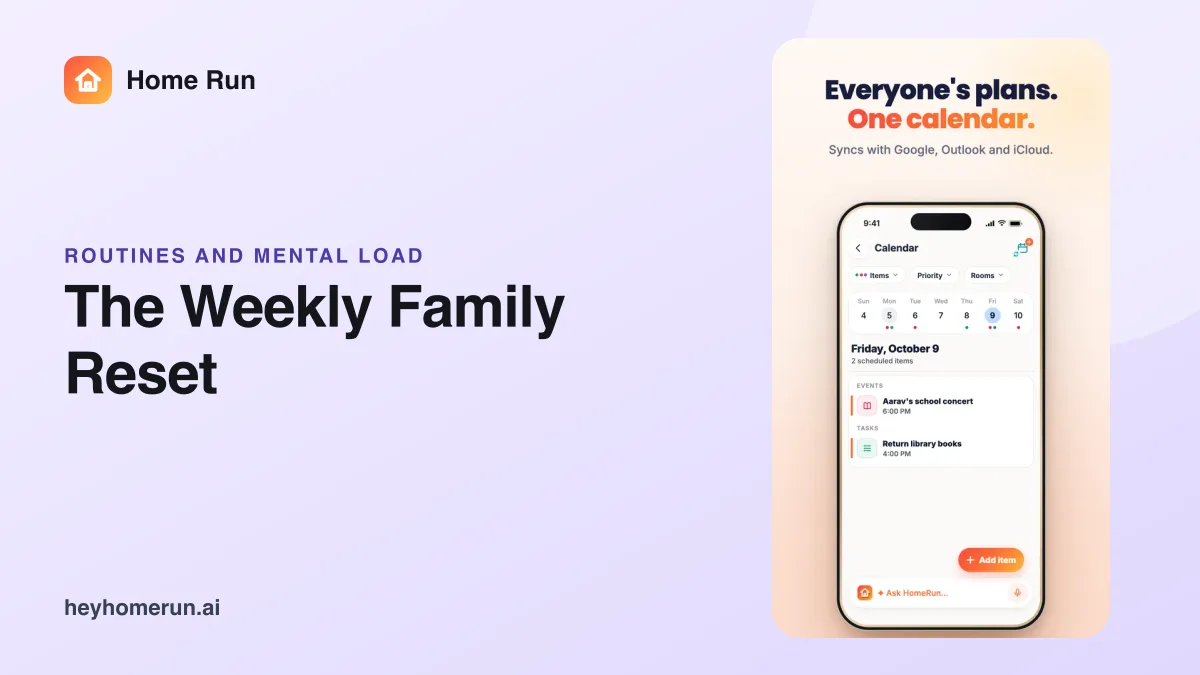
With Home Run, families can organize meals, shopping, school tasks, reminders, care, documents and updates in one private family AI operating system.
What Is a Weekly Family Reset?
A weekly family reset is a brief household planning session, usually completed before the new week begins.
The family reviews:
- Upcoming events
- School activities
- Meal requirements
- Grocery needs
- Household tasks
- Care appointments
- Documents and deadlines
- Changes that everyone should know
The purpose is not to plan every minute. It is to identify the responsibilities most likely to create confusion.
A good reset takes approximately 20 minutes and produces a clear plan that the family can follow.
Why Is Weekly Planning Better Than Daily Firefighting?
Without a weekly plan, household coordination becomes reactive.
Each morning begins with urgent questions:
- Who is doing the pickup?
- What is for dinner?
- When is the appointment?
- Did anyone buy the required item?
- Where is the school form?
- Has the helper been informed?
Daily reminders may solve individual problems, but they do not create a reliable household system.
A weekly reset gives the family time to identify conflicts and preparation work before they become urgent.
The 20-Minute Weekly Family Reset
Minutes 1–4: Review the Family Calendar
Start with all fixed commitments.
Review:
- School events
- Work commitments affecting the family
- Medical appointments
- Activities and classes
- Visitors
- Deliveries or service visits
- Social plans
- Travel time
Check for overlaps and identify responsibilities such as drop-off, pickup, transportation or document preparation.
A calendar event should include enough context for another family member to understand it without asking for a separate explanation.
Minutes 5–8: Plan Meals and Groceries
Review how the family’s schedule affects meals.
Ask:
- Which evenings will be busy?
- Who will be eating at home?
- Are there dietary preferences to consider?
- Which meals require advance preparation?
- What ingredients are already available?
- What needs to be purchased?
The goal is not to create a perfect menu. It is to prevent the repeated daily question: “What are we eating today?”
Home Run connects meal planning and shopping so the grocery list can reflect what the household actually plans to prepare.
Minutes 9–12: Review School and Household Tasks
Check the tasks that require action during the week.
Examples include:
- School projects
- Permission forms
- Homework deadlines
- Bill payments
- Repairs
- Laundry requirements
- Household purchases
- Helper instructions
- Document submissions
Assign a clear owner and due date to each task.
Avoid vague entries such as “school work.” A useful task might say:
“Print the science project photographs by Tuesday evening — assigned to Dad.”
Minutes 13–15: Check Care and Important Documents
Review appointments, prescriptions, reports and documents that may be needed.
Ask:
- Is an appointment coming up?
- Does the family need to carry a previous report?
- Is a prescription running out?
- Does a document need to be signed?
- Is any renewal or submission due?
Attach the relevant information to the task or event so the family does not have to search for it later.
Minutes 16–18: Assign Responsibilities
A shared plan must make ownership clear.
For every important item, decide:
- Who owns it?
- When will it be done?
- Who needs to be informed?
- What does “complete” mean?
Try to distribute full responsibility rather than assigning only the final physical action.
For example, “manage Saturday’s lunch” may include confirming guests, choosing the menu, updating groceries and coordinating preparation.
Minutes 19–20: Publish the Weekly Family Update
Finish the reset with a concise summary.
A useful update might say:
“This week: the school presentation is Thursday, Grandma’s appointment is Friday and guests are coming for Saturday lunch. Riya is handling the presentation supplies, Amit is arranging Friday transport and the grocery list for Saturday is ready.”
This gives everyone a shared understanding of the week.
Home Run’s family updates can help preserve the final plan without forcing members to reread the entire discussion.
What Should Be Added to Home Run During the Reset?
By the end of the weekly planning routine, the family should have:
- Confirmed calendar events
- Assigned tasks
- Meal ideas
- An updated shopping list
- Relevant reminders
- Attached documents
- A clear family update
Home Run acts as the shared household space where these connected items can remain visible throughout the week.
How AI Makes Weekly Family Planning Easier
Manual household planning can feel like data entry. A family AI assistant can make the process more conversational.
For example:
“Plan simple vegetarian dinners from Monday to Thursday, add the ingredients to our shopping list and remind us to shop on Sunday evening.”
Or:
“Create a task for the school costume, assign it to me and remind me two days before Friday’s event.”
The family provides the decision. AI helps turn it into organized actions.
Tips for Making the Routine Sustainable
Keep It Short
A 20-minute routine is more likely to continue than a long planning meeting.
Use the Same Day Each Week
Sunday evening works for many households, but choose a time that matches your family’s routine.
Focus on Exceptions
Recurring activities do not need to be discussed every week unless something has changed.
Include the People Doing the Work
Partners, older children, caregivers and helpers should have visibility into the responsibilities that affect them.
End With a Written Update
Verbal agreement is easy to forget. Record the final plan in the family’s shared system.
Frequently Asked Questions
What is a weekly family reset?
It is a short planning routine where a household reviews the coming week’s events, meals, tasks, care requirements and responsibilities.
How long should family planning take?
A focused weekly reset can be completed in approximately 20 minutes.
When is the best time to plan the family week?
Choose a consistent time before the week becomes busy, such as Sunday morning or evening.
Can Home Run create a weekly family plan?
Home Run can help families organize events, tasks, meals, shopping, reminders, documents and updates inside one shared household workflow.
Should children participate?
Older children can participate in age-appropriate planning, especially when school activities, chores or personal responsibilities are involved.
Start the Week With Clarity
A calmer week does not require perfect planning. It requires a few important decisions to be made before they become urgent.
Home Run helps families transform a short weekly conversation into a visible, shared household plan.
Twenty minutes of planning can prevent hours of follow-up—and help the entire family start the week with a Home Run.